Understanding the symptom
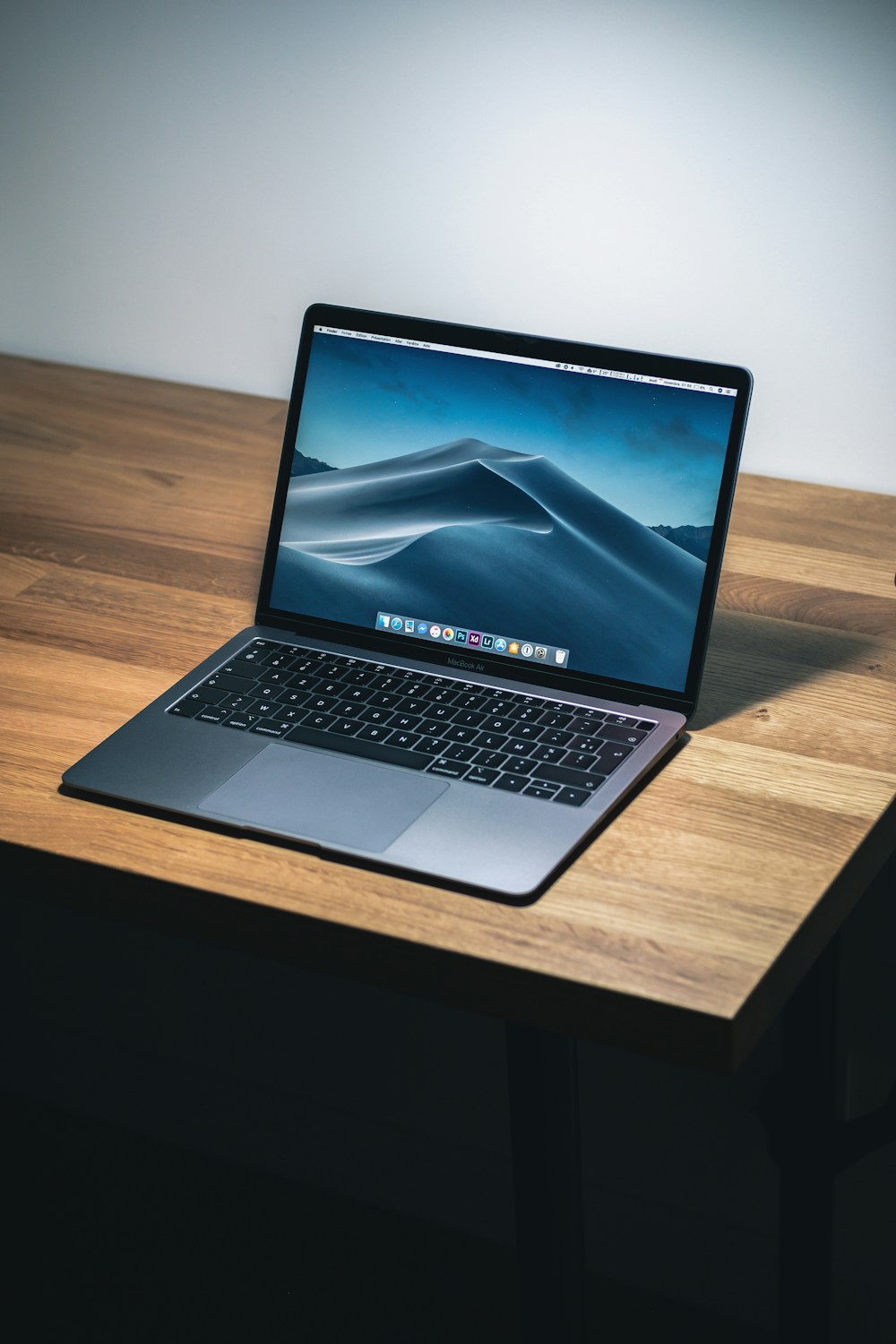
Notebook Screen Replacement and Panel Selection should be evaluated together with the device model, when the problem started and whether it changes during charging, startup or prolonged use. A single visible symptom can originate from the part itself, its connection, power delivery or another component.
Avoid repeated forced restarts, pressure on a damaged panel or unsuitable chargers. These actions can make diagnosis harder and may extend existing damage.
Checks you can make safely
Record error messages, unusual sounds and the sequence that produces the fault. Check the power adapter and external connections without opening the device. If important files remain accessible, create a current backup before service.
When technical inspection is appropriate
Persistent display loss, unstable charging, overheating, liquid exposure, burning smell or unexpected shutdown requires professional inspection. Internal disassembly without the correct tools may damage clips, cables, batteries or board components.
How the repair process works
At ABlok Bilisim, the device is registered, assessed and matched to compatible repair options. The proposed work and cost are explained before approval. After the approved work, the relevant functions are tested and the result is reported.